
Communication apps have become an essential part of daily life. People use them to stay connected with friends, work with remote teams, exchange files, join online communities, and receive important updates. However, downloading and managing these apps requires more attention than simply choosing the first result that appears in a search engine.
Android users often have several installation options, including official app stores, developer websites, third-party download platforms, and manually installed APK files. Each method comes with different levels of convenience and risk. Understanding how to evaluate download sources, review permissions, and protect personal data can make mobile communication much safer.
Table of Contents
Why Download Sources Matter
The source of an Android application is one of the most important factors in determining whether it is safe to install. An app downloaded from an unreliable website may be outdated, modified, bundled with unwanted software, or designed to imitate a legitimate product.
Users should always check whether the download page clearly identifies the application name, version, developer, update date, and supported Android system. Pages that use misleading download buttons, excessive pop-up advertisements, or automatic redirects should be treated with caution.
A trustworthy source should provide clear information rather than forcing users to click through several unrelated pages. It should also avoid making unrealistic claims such as offering unlimited premium features, removing all restrictions, or providing unofficial modified versions without explaining the risks.
Check the Website Address Carefully
Fake download pages often use domain names that look similar to legitimate websites. They may replace one letter, add an extra word, or use an unfamiliar domain extension. On a small mobile screen, these differences can be easy to miss.
Before downloading an app, users should review the complete website address in the browser. The site should use HTTPS, load without security warnings, and provide accessible information about the application or service.
Chinese-speaking Android users may search for installation resources using terms such as potato app下载. Regardless of the language used in the search, the same verification process should apply: check the domain carefully, confirm that the page matches the intended application, and avoid unknown modified packages.
Avoid Modified APK Files from Unknown Sources
Modified APK files may appear attractive because they sometimes promise unlocked features, removed advertisements, or access without registration. However, users cannot easily determine what changes have been made to the original application.
An altered package may contain additional tracking code, aggressive advertising modules, hidden permissions, or malicious components. It may also fail to receive normal security updates, leaving the device exposed to known vulnerabilities.
For communication applications, the risk is even greater because these apps may access contacts, messages, media files, microphones, cameras, notifications, and stored documents. Installing an unverified version can expose far more information than installing a simple offline tool.
Review App Permissions Before Installation
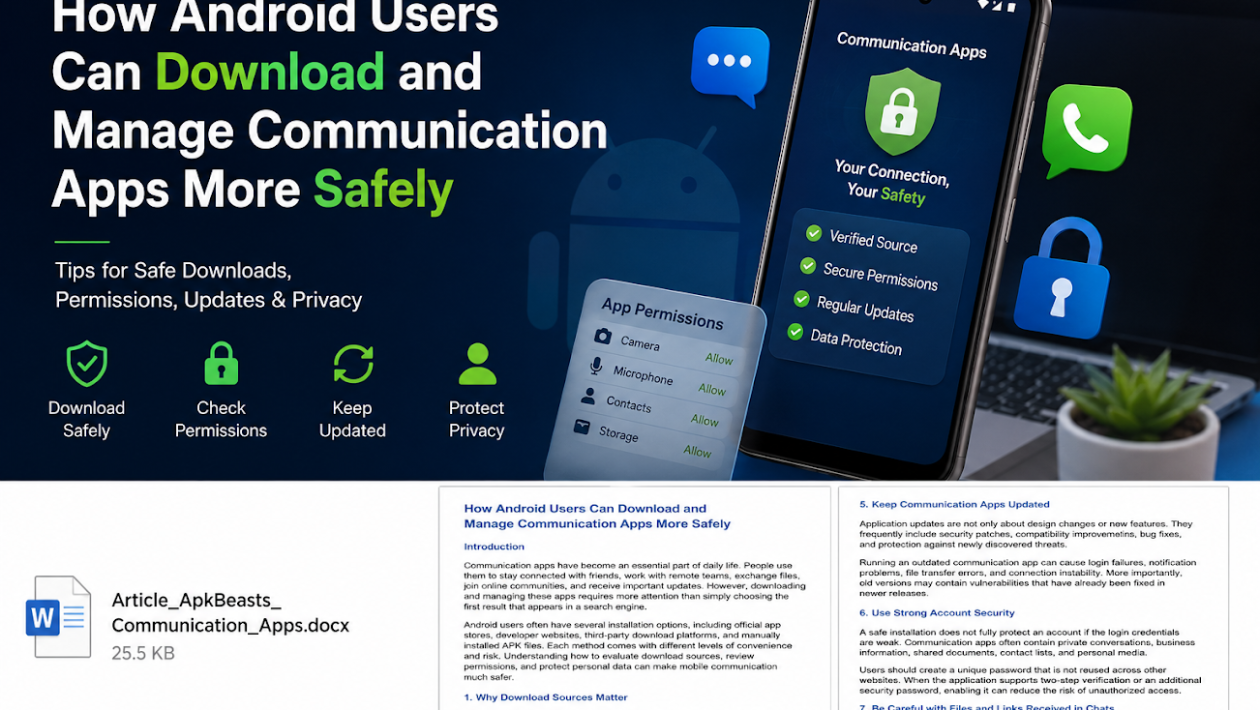
Android permissions allow applications to access specific parts of a device. Some permissions are necessary for normal communication features. For example, a messaging app may request access to the microphone for voice messages or the camera for video calls.
However, users should compare each permission with the app’s actual purpose. A communication app may reasonably request:
- Camera access for video calls and image sharing
- Microphone access for calls and voice messages
- Notification access for message alerts
- Photo and media access for sending files
- Contact access for finding existing connections
Permissions that appear unrelated should be reviewed carefully. Users should be cautious when an app requests access to call logs, SMS messages, device administration, accessibility services, or background location without a clear explanation.
Android also allows users to deny optional permissions and enable them later. It is usually safer to grant only the permissions required for the feature currently being used.
Keep Communication Apps Updated
Application updates are not only about design changes or new features. They frequently include security patches, compatibility improvements, bug fixes, and protection against newly discovered threats.
Running an outdated communication app can cause login failures, notification problems, file transfer errors, and connection instability. More importantly, old versions may contain vulnerabilities that have already been fixed in newer releases.
Users should enable automatic updates from a trusted distribution channel when possible. If an app was installed manually, they should periodically check the original source for a newer version. Downloading an update from a different website can create unnecessary uncertainty about the package’s authenticity.
Use Strong Account Security
A safe installation does not fully protect an account if the login credentials are weak. Communication apps often contain private conversations, business information, shared documents, contact lists, and personal media.
Users should create a unique password that is not reused across other websites. When the application supports two-step verification or an additional security password, enabling it can reduce the risk of unauthorized access.
Verification codes should never be shared with another person. Legitimate support staff generally do not need users to provide one-time login codes through chat messages, emails, or social media.
Users should also review active login sessions regularly. If an unfamiliar device or location appears, the session should be removed immediately and the account password should be changed.
Be Careful with Files and Links Received in Chats
Even a legitimate communication application can be used to distribute harmful content. Attackers may send fake delivery notices, account warnings, investment promotions, software installers, or documents designed to create urgency.
Users should avoid opening unexpected APK files, compressed archives, executable files, or shortened links. A message appearing to come from a known contact is not automatically safe because that person’s account may have been compromised.
Before opening a file, confirm with the sender through a separate message or call. When possible, scan downloaded files with a trusted security tool and keep Android’s built-in security protections enabled.
Control Background Activity and Data Usage
Communication apps often run in the background to deliver notifications promptly. However, unnecessary background activity can increase battery consumption, mobile data usage, and privacy exposure.
Android users can review battery and data settings for each application. Apps that consume unusually high resources should be investigated. Disabling all background activity may delay notifications, so settings should be adjusted according to how frequently the app is used.
Users who communicate over public Wi-Fi should also avoid sending sensitive information through unknown or unsecured networks. Mobile data or a trusted private connection is usually a better option for account recovery, password changes, and confidential file transfers.
Remove Apps That Are No Longer Used
Unused applications still create potential security and privacy risks. They may continue storing personal information, running background services, or retaining access permissions.
Users should periodically review installed communication apps and remove those they no longer need. Before uninstalling, important files or conversations should be backed up through an approved method. After removal, users may also need to check whether the associated account remains active.
Deleting an app from the phone does not always delete the online account. Anyone who wants to stop using a service permanently should review the account deletion or deactivation options provided by that service.
Conclusion
Downloading a communication app safely involves more than finding an installation button. Android users should verify the website address, avoid unknown modified APK files, review permissions, install updates, and protect their accounts with strong security settings.
It is also important to remain cautious after installation. Suspicious links, unexpected files, unusual login sessions, and excessive permissions can all indicate potential problems.
By choosing reliable download sources and managing applications carefully, users can enjoy the convenience of mobile communication while reducing unnecessary security and privacy risks.