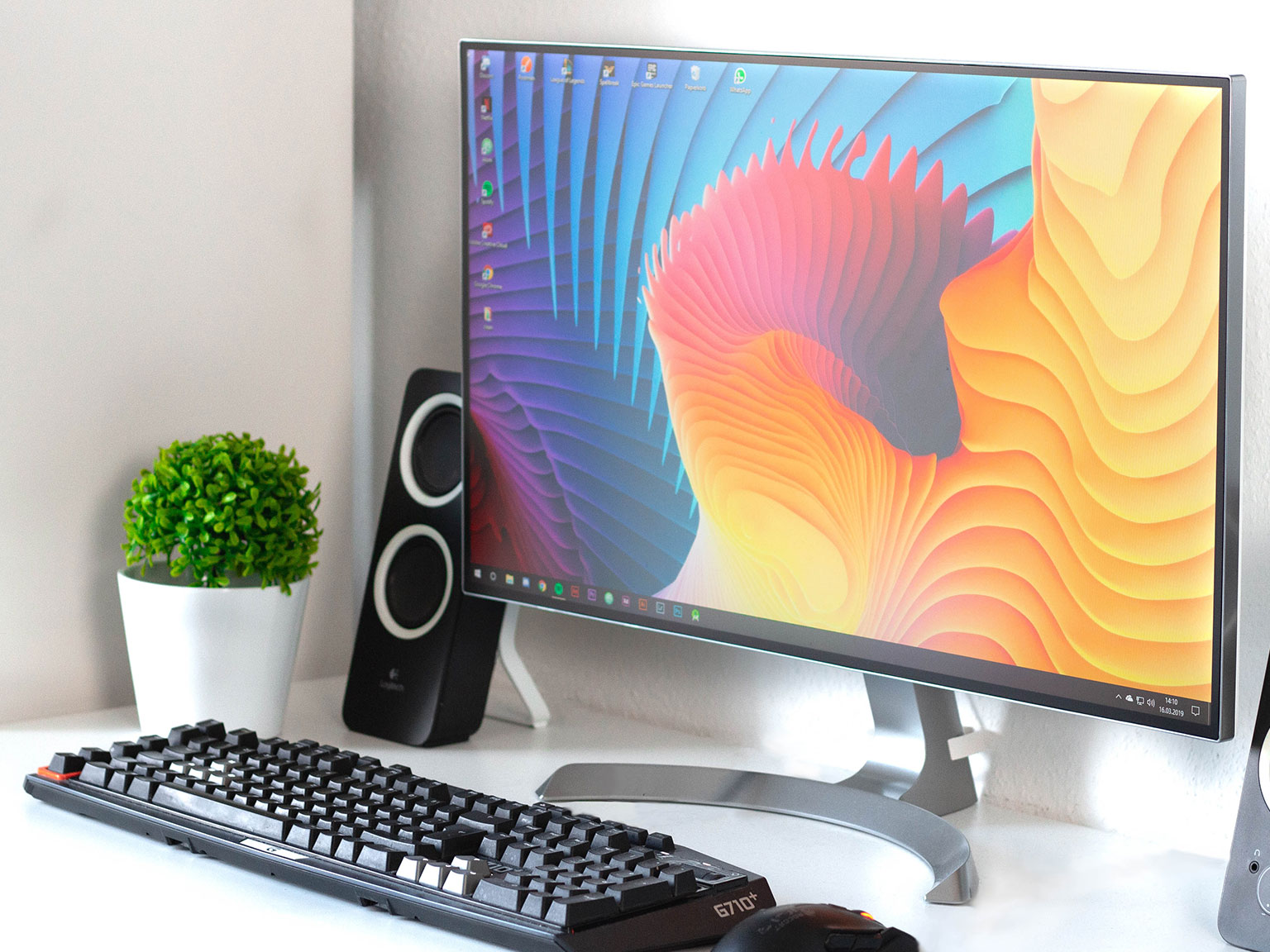
Touchscreen technology has dramatically changed how people interact with digital devices, making everyday tasks easier and more intuitive. Touchscreens work by detecting touch input on a display surface, typically through a touchscreen panel, allowing users to engage directly with what they see on their screens. This technology has evolved from basic resistive systems to advanced capacitive displays that support multi-touch gestures, enhancing human-computer interaction.
In today’s world, touchscreens are not only found in smartphones and tablets but are also integral to interactive displays in various settings, including retail, education, and healthcare. By understanding how touchscreens function, users can appreciate the technology’s role in improving everyday activities, from browsing the internet to navigating complex data in professional environments.
As touchscreen technology continues to advance, exploring its functionalities and the different types available will help readers make informed decisions about the devices they use. This comprehensive guide delves into the various principles behind touchscreen operation, shedding light on the intricate systems that allow for seamless interaction with digital content.
Table of Contents
Defining Touchscreens and Their Evolution
Touchscreens are essential components of many modern devices, enabling users to interact directly with digital content. Their evolution reflects advancements in technology, which have shaped how people engage with screens, from smartphones to interactive kiosks.
What Is a Touchscreen?
A touchscreen is a display screen that detects touch input through a touchscreen panel, allowing users to engage with a device by tapping, swiping, or dragging their fingers. There are several types of touchscreens, including capacitive and resistive models. Capacitive screens utilize the electrical properties of the human body, responding to touch with high sensitivity. In contrast, resistive screens rely on pressure applied to the display.
Touchscreens make tasks easier and quicker, replacing traditional input methods like keyboards. Devices that often include touchscreens are smartphones, tablets, interactive whiteboards, and point-of-sale systems. This technology enhances user experience by allowing direct manipulation of on-screen elements.
Key Components of Touchscreen Systems
Touchscreen systems comprise several key components that work together to translate touch input into actions. The touchscreen panel is the primary layer, which can be capacitive, resistive, or based on other technologies. Below the panel is the display, which shows the visual content.
Other components include:
- Controller: Detects touch input and converts it into signals
- Software: Interprets touch and executes commands
- Protective Glass: Shields the touchscreen panel from damage
These components work together to create a smooth and responsive user experience.
Historical Development of Touchscreen Technology
The evolution of touchscreen technology began in the 1960s. E.A. Johnson developed the first finger-driven touchscreen during this time. The 1970s introduced resistive touchscreen panels, while the 1980s brought early multi-touch concepts.
By the 1990s, touchscreens were used in PDAs and early smartphones. The 2000s marked the widespread adoption of capacitive touchscreen panels, known for their precision and responsiveness. Today, touchscreen technology continues to evolve with improved materials and functionality.
Fundamental Principles: How Touchscreens Register Input
Understanding how touchscreens register input is key to appreciating their functionality. Touchscreens rely on specific technologies to detect touch, manage data, and recognize gestures. This section will cover the operations of touch sensors and the roles of controllers and software.
Basic Operation and Touch Sensor Activation
Touchscreens operate using various sensor technologies, with capacitive and resistive being the most common. Capacitive touch sensors detect touch through electrical fields. When a finger approaches the screen, it alters the electrostatic field, enabling the sensor to detect the input.
In contrast, resistive touch sensors use pressure to activate. They consist of two flexible layers separated by a small gap. When pressure is applied to the top layer, it touches the bottom layer, completing the circuit and registering touch. Both methodologies can support single-touch and multi-touch inputs, allowing users to interact with the display in multiple ways, such as pinch-to-zoom gestures or swiping.
The Role of Controllers and Software
After activation, touch sensors send signals to a controller, which determines the location and nature of the touch input. The controller processes this data and communicates with the device’s software to execute the appropriate action.
When a touch is detected, the software translates the input into commands and visual responses on the screen. This process is essential for applications requiring fast response times, such as gaming or interactive displays. Advanced touchscreens use sophisticated algorithms for improved gesture recognition, which allows them to differentiate between various multi-touch gestures like zooming, scrolling, or rotating.
Touch Sensitivity and Gesture Recognition
Touch sensitivity refers to how responsive a touchscreen is to input. Higher sensitivity means the device can detect lighter touches, offering a smooth and fluid user experience.
Touchscreen interfaces utilize gesture recognition to interpret user actions effectively. Simple gestures like taps or swipes trigger straightforward actions, while complex gestures, such as two-finger rotations, can produce more intricate commands.
Many modern devices feature adjustable sensitivity settings, allowing users to customize how their touchscreens respond. This customization can enhance usability, especially for applications requiring precise input or for users who may struggle with traditional interface methods.
Core Types of Touchscreen Technology
Touchscreen technology includes several key types, each with distinct functionalities and applications. Understanding these core types helps users select the best technology for their needs.
Capacitive Touchscreen Fundamentals
Capacitive touchscreens are among the most widely used touch technologies, particularly in smartphones and tablets. They operate using a transparent layer coated with indium tin oxide (ITO), which creates an electrostatic field over the screen. When a finger touches the display, it alters this field, allowing the device to detect the touch’s location through changes in capacitance.
These screens support multi-touch gestures, enabling users to pinch, zoom, and swipe with multiple fingers. Capacitive touchscreens are known for their high sensitivity and clarity, making them ideal for interactive applications. However, they often require a conductive touch, which means they may not work well with gloves or non-conductive tools.
Resistive Touchscreen Functionality
Resistive touchscreens function differently than their capacitive counterparts. They consist of two flexible layers separated by a small gap. Each layer is coated with a resistive material. When pressure is applied to the screen, the layers make contact, allowing the device to determine the exact location of the touch based on voltage changes.
These touchscreens can work with any object—be it a finger, stylus, or gloved hand—making them versatile for various environments, including industrial settings and kiosks. While they tend to be less sensitive than capacitive screens and do not support multi-touch, they are usually more affordable. This durability makes them suitable for demanding applications.
Infrared, Surface Acoustic Wave, and Emerging Technologies
Infrared touchscreens utilize a grid of infrared LEDs and photodetectors along the screen’s edges. This setup creates an invisible light grid across the display. When an object interrupts this grid, the system calculates the touch location based on which beams are broken. This technology provides excellent clarity and can detect any touch, but it can be affected by sunlight.
Surface Acoustic Wave (SAW) touchscreens use ultrasonic waves. They generate waves on the screen surface, and when touched, a portion of the wave is absorbed. This change in wave pattern determines the touch point. SAW screens offer high clarity and work with various touch methods, but they can be dirt-sensitive and less effective outdoors.
Emerging technologies, such as projected capacitive touchscreens, combine aspects of both capacitive and resistive technologies. They promise enhanced performance, with innovative materials leading to more flexible displays and improved touch sensitivity.
Applications and Everyday Uses of Touchscreen Displays
Touchscreen displays are now a common interface in various settings, enhancing user experience and making interactions more intuitive. Their applications span across consumer devices, industrial sectors, and public information systems. Below are some detailed uses of touchscreen technology in these areas.
Consumer Devices and Digital Signage
Touch screens are widely used in consumer devices such as smartphones, tablets, and laptops. These devices use capacitive touch technology for an intuitive user experience. Users can navigate with simple gestures like swiping and tapping, making operations seamless.
Digital signage is another significant application. Retailers use touch screens to display interactive advertisements and promotions. These screens often feature gesture recognition, allowing users to explore content by touching the screen. Information can be accessed quickly, enhancing customer engagement. An on-screen keyboard may be available, allowing users to input data when necessary.
Industrial, Medical, and Public Information Systems
In industrial settings, touchscreen displays are integrated into equipment control panels. Operators can easily manage processes with minimal physical interaction. These screens are robust and designed for harsh environments, improving efficiency and safety.
The medical field benefits from touchscreens too. They are used in patient monitoring systems and medical imaging equipment. Touchscreen interfaces allow healthcare professionals to access vital information quickly. This enhances patient care by reducing response times.
Public information systems also utilize touchscreens. These systems often appear in airports, museums, and public transportation stations. Users can find directions, view schedules, or access other essential information through interactive displays, making navigation easier.
Interactive Kiosks and Whiteboards
Interactive kiosks are common in various environments, offering information and services to users. These kiosks may include features for purchasing tickets, checking in for flights, or accessing public services. Touch screens provide a user-friendly way to interact with complex systems without needing extensive training.
Interactive whiteboards are increasingly used in educational settings. They allow teachers to present lessons dynamically and engage students more effectively. Students can interact with the content directly through the touch screen, enhancing participation.
These tools often include additional features like conductive stylus compatibility for precise writing and drawing. This flexibility caters to diverse educational needs and improves learning outcomes.
Recent Innovations and the Future of Touch Interaction
Recent advancements in touchscreen technology are transforming how users interact with devices. These innovations include flexible displays, improved touch features, and enhanced haptic feedback. They are changing the landscape of human-computer interaction, making it more intuitive and responsive.
Flexible and Foldable Displays
Flexible and foldable displays represent a significant leap in touchscreen design. These displays use advanced materials, such as ultra-thin glass and flexible OLED technology. This innovation allows devices to be thinner and more portable while still providing a robust touchscreen experience.
Foldable smartphones and tablets can seamlessly transition from compact to larger viewing sizes. Users benefit from the convenience of extra screen space without the bulk. The ability to bend and fold screens opens new opportunities for design and functionality in consumer electronics, making interaction more engaging.
Advanced Touch Features and Haptic Feedback
Modern touchscreen interfaces are becoming increasingly sophisticated. Enhanced touch sensitivity allows for more precise inputs, enabling features like pinch-to-zoom and complex gestures. Technologies such as in-cell touch integrate sensors directly into display panels, which improves responsiveness and accuracy.
Haptic feedback technology adds another layer to the user’s experience. It simulates tactile sensations through vibrations or motion, making touchscreen interactions feel more realistic. By providing feedback for actions like tapping or swiping, users receive instant confirmation of their inputs. This technology supports safer driving experiences by allowing drivers to interact with screens without diverting their attention from the road.
The Impact on Human-Computer Interaction
The latest touchscreen panel innovations significantly impact how users interact with devices. With features like 3D touch, which senses the pressure of a finger’s touch, users can perform different actions depending on how hard they press the screen. This capability opens new avenues for app developers to create intuitive interfaces.
Furthermore, larger and more flexible displays promote collaboration and shared use, especially in professional settings. As touch interactions continue to evolve, they create a more natural dialogue between humans and machines. This evolution supports a future where technology feels less mechanical and more human-centered.